



OpenAI Codex Software Tool: How It Works, How to Use It, and Who It Is For
Automatically translated
Just tell it what you want to do, and let AI handle the rest. The OpenAI Codex software tool can understand natural language and turn it into working code. So how does this impressive technology work?
What Is Codex?
Codex is an AI model developed by OpenAI and optimized for software engineering tasks. Built on OpenAI’s o3 architecture, this model can convert source code from descriptions written in natural language with high accuracy, making sense of them . Although Codex shares its language foundations with GPT models, it produces particularly strong results in programming languages because it was trained on a very large volume of software data.
Codex is not limited to code generation. It can also explain existing code blocks, simplify them, debug them, or create test scenarios. This versatility makes it a useful learning tool for beginners and a time-saving assistant for professionals.
How to Use the OpenAI Codex Software Tool
The model's core capability is translating natural language into programming languages. When users give a command such as "Write a Python function that removes duplicate numbers from a list," Codex interprets the command and generates working code that performs that function. The main languages the model supports are:
Python
JavaScript
TypeScript
Ruby
Go
Java
PHP
C#
Shell
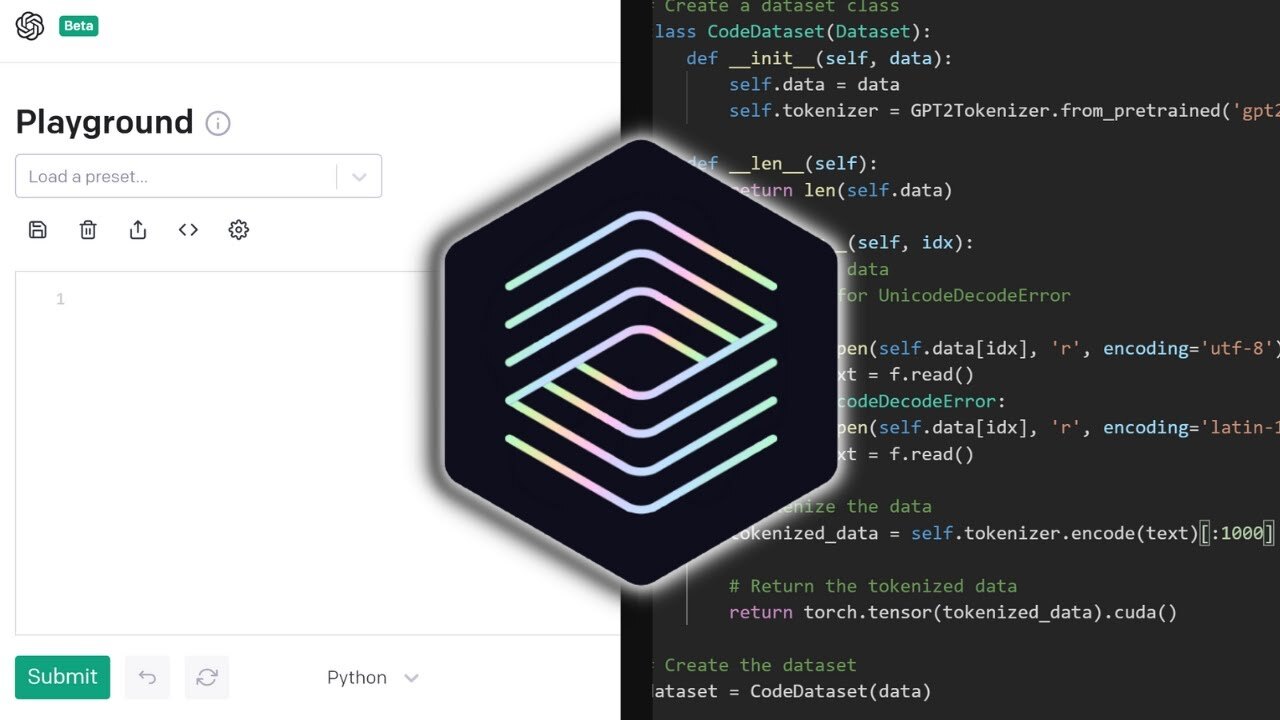
The OpenAI Codex software tool is not currently available to everyone as a standalone product. However, Codex's capabilities are offered to developers through different channels. Here are the ways to access the OpenAI Codex software tool:
Using Codex via ChatGPT (GPT-4o)
Activate the GPT-4o model in ChatGPT.
Access Codex through the side panel on the left.
Write a task in natural language and click the "Code" button → A new coding task is started. Click the "Ask" button → You can submit a technical question about your codebase.
Using Codex with GitHub Copilot
Download Visual Studio Code (VS Code).
Install the GitHub Copilot extension.
Write comments in natural language while coding → Codex completes the code for you.
Programmatic Access via the OpenAI API
Get an API key from the OpenAI platform.
Build custom automations using Python or similar languages (or a GPT-4 based model).
Tasks given to Codex are usually completed within 1–30 minutes. Users can monitor task progress in real time. As with ChatGPT, changes are saved in Codex's environment once the task is complete. Terminal logs, test outputs and the action history are presented to the user. These outputs make it possible to verify the changes. For example, a instruction file called AGENTS.md placed in a project defines how Codex should behave in the software environment.
This text file in a software project explains to Codex how it should behave with respect to that project. In other words, it works like a guide that teaches Codex "how to think" so it can analyze your software environment more accurately and work more effectively.

Thanks to AGENTS.md files placed in a project, you can define for Codex:
How to navigate the project,
Which commands to run,
Which test environments and standards to follow.
These files have a structure similar to README.md, but they are meant for Codex. Codex works most efficiently with clear documentation and reliable test environments.
Pros and Cons of the OpenAI Codex Software Tool
Pros | Cons |
Enables fast and effective code generation with natural language commands. | Automatically generated code may contain security vulnerabilities or bugs, so manual review is essential. |
Saves time and can quickly build repetitive and standard code blocks. | In large and complex projects, it may not fully grasp the context, which can lead to incorrect suggestions. |
Supports many programming languages such as Python, JavaScript, Java, C#, Ruby and Go. | Code explanations and documentation can sometimes be insufficient or incomplete. |
Offers consistent and functional code suggestions by understanding the context of the code. | Requires an internet connection and API access; offline use is not possible. |
Provides additional functions such as creating test scenarios, debugging and code explanation. | Using the API and some tools is paid, and costs can rise with heavy use. |
Useful for both beginners and experienced developers. | Generated test code can be superficial and may fall short for comprehensive scenarios. |
Who Is the OpenAI Codex Software Tool For?
The OpenAI Codex software tool is a potential solution for anyone who wants to make the software development process easier. In particular:
Developers who are just starting to write code,
Professional programmers who want to speed up repetitive tasks,
Teams looking for support in code documentation and testing processes,
Technical users who want to build customized workflows with API integrations,
Software developers and engineers,
Students studying computer science or related fields,
Individuals from other disciplines who want to produce content or develop digital solutions,
Students and individuals who want to build websites, blogs or interactive projects,
Instructors who develop teaching materials and test scenarios

Codex can be used as a tool that boosts productivity and accelerates learning. These user groups can use Codex in different ways and at different levels; the way it is used varies according to technical knowledge and needs.
AI Slop Nedir? Dijital Reklamcılık için Tehdit mi?


Claude Code Agent Teams Kurulumu ve Kullanım Rehberi


