




How to Use AI in Design
Automatically translated
Design is being redefined by artificial intelligence, not only in visuals but also in speed, efficiency and user focus. In this article, we will look at how to use AI in design, along with its advantages and disadvantages.
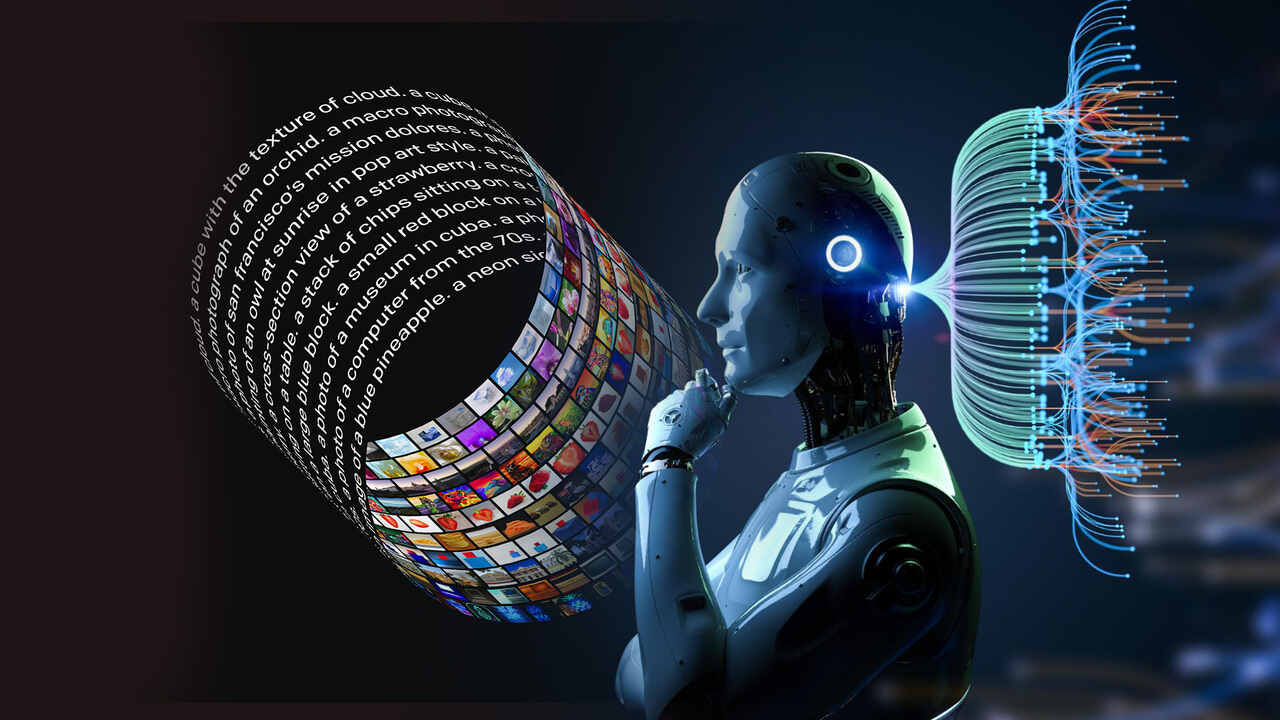
What Is AI in Design?
AI in design is the use of algorithms and machine learning models in visual, audio or text-based design processes. Thanks to artificial intelligence, especially generative AI, concept development and prototyping work that once took hours can now be done in minutes. This allows designers to focus more on the creative process. Although AI tools that keep improving make things easier, they can also cause problems in some cases. For this reason, you should learn how to use them well and check their output for accuracy.
How Is AI Used in the Design Process?
AI can be used at many stages of the design process, from research to prototyping. For example, in user research it can extract meaningful insights from large data sets, suggest color palettes and typography, or automatically generate visual variations. In UX design, AI has become an effective tool for analyzing user flows and identifying friction points.
Which Types of Design Has AI Affected?
AI has begun to be used across a wide range of fields, from graphic design to product design. For example, with generative AI, logo designs, social media visuals and even web page prototypes can be produced in minutes. By simplifying the design process, AI is used in fashion for pattern creation and trend analysis. In architecture, building design concepts can be quickly modeled and visualized. This has made it possible to run more experiments and iterations (repeating the process in software development) in creative industries.
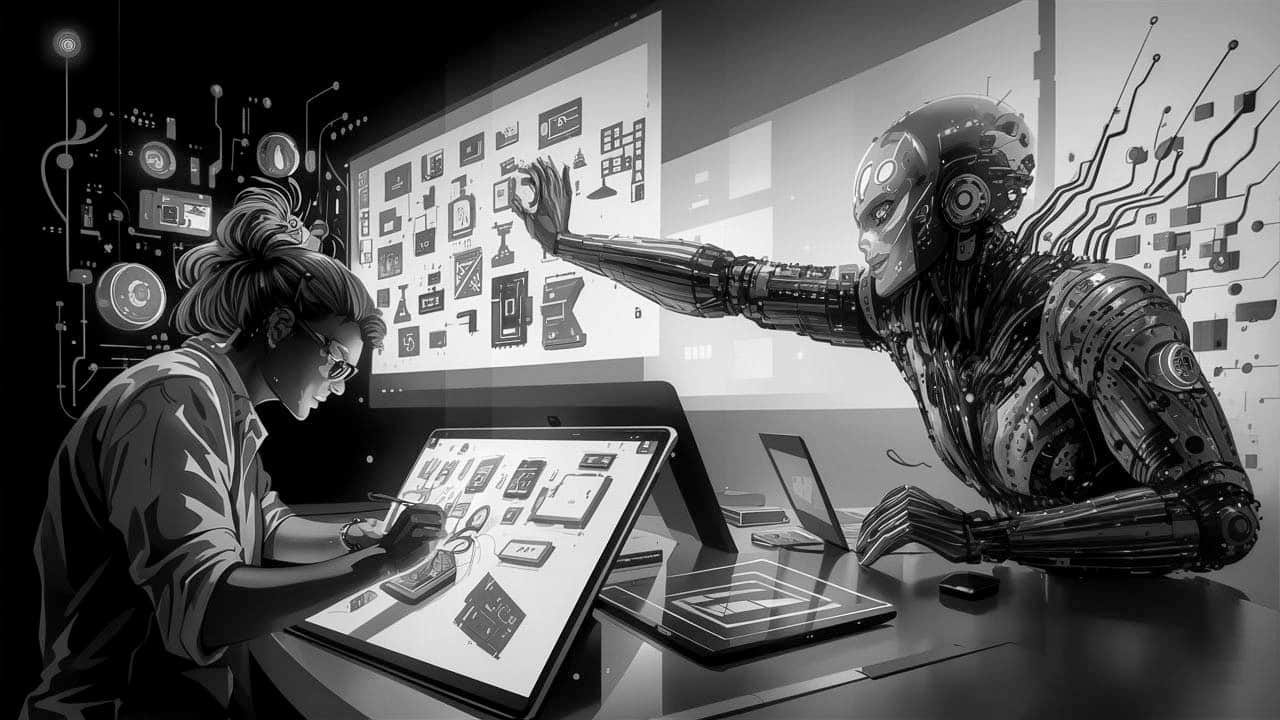
What AI Tools Are Used in Design?
Today, the AI tools designers use most often are quite varied and serve different areas. For visual design, generative AI platforms such as Midjourney, DALL-E and Adobe Firefly stand out. These tools produce images from text prompts and inspire designers. For color selection, tools like Khroma create personalized palettes powered by AI. In UI/UX design, Uizard, Figma AI and Framer AI speed up drafting and prototyping. In video design, Runway can automate complex effects and edits. For content and text generation, ChatGPT, Jasper and Copy.ai are used to quickly prepare the text-based parts of a design.
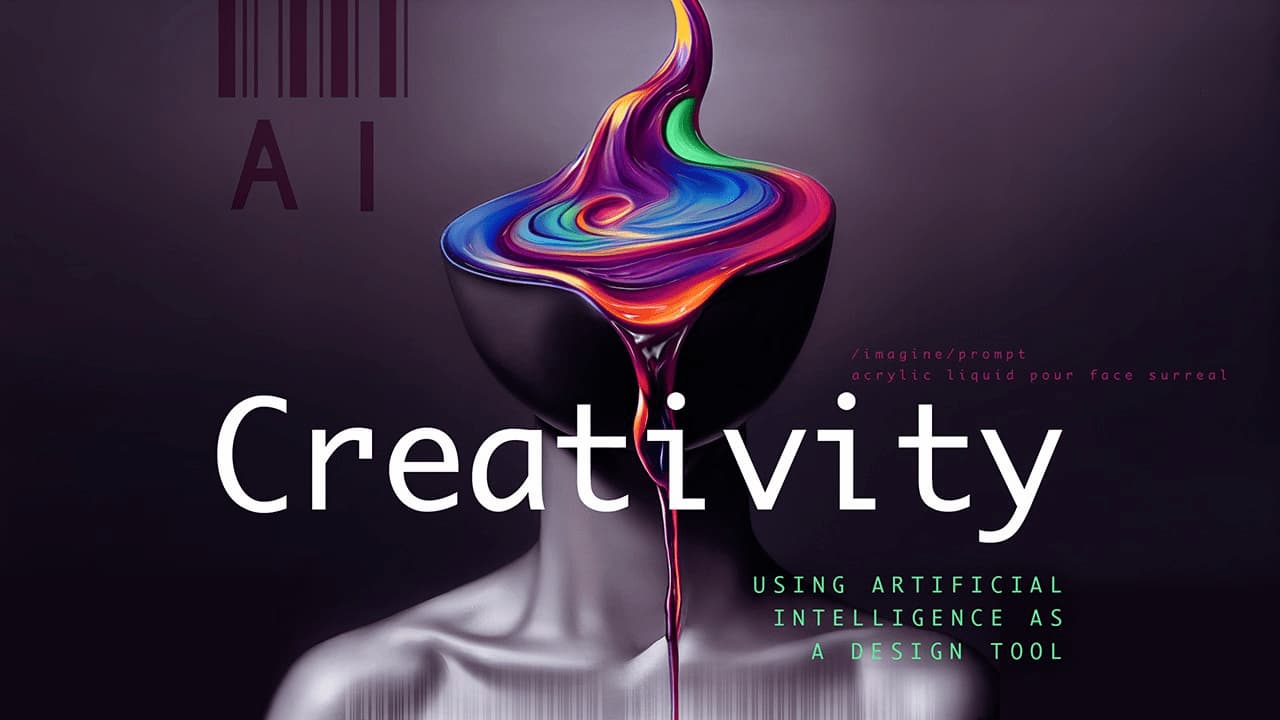
Which Applications Are Useful?
Canva AI: For fast social media visuals and presentations.
Figma AI: For speeding up the UI/UX design process.
Runway: For video editing and visual effects.
Khroma: For creating color palettes.
ChatGPT & Jasper: For text-based content creation and creative idea development. These applications speed up the workflow and save time and cost.
What Is Generative AI and How Is It Used in Design?
Generative AI is a type of artificial intelligence that can learn from existing data sets and produce new content. In design, generative AI is used in processes such as logo design, typography suggestions, 3D modeling and visual composition. Tools like Midjourney and Adobe Firefly in particular can create original images from a few text inputs. This allows designers to build concepts much faster and test different variations.
Advantages of Generative AI
Speed: Offers design suggestions within seconds.
Creativity: Produces new forms, color combinations and concepts that a person might not think of.
Personalization: Learns continuously from the user's guidance and delivers more suitable results.
Disadvantages of Generative AI
Copyright Issues: It is unclear whether generated content is original.
Risk of Homogenization: When the same data sets are used, similar results can appear.
Lack of Human Touch: Images may come out overly artificial or impersonal.
Who Can Use AI in Design?
AI and design are not only for professional designers; they can also be used by entrepreneurs, small business owners, marketers and content creators. Even people without technical design knowledge can create simple visuals and prototypes thanks to user-friendly interfaces. This democratizes the design process and lets everyone partially meet their own visual needs.
Whose Work Has AI Taken Over in Design?
The rise of AI has put serious pressure on stock image providers, freelancers who do simple visual design, and content creators. Banner or social media post designs that once took hours can now be produced by AI in seconds. This reduces workload for routine design tasks, but it does not yet apply to areas that require higher-level thinking, such as creative strategy, brand identity development and original idea generation. Those areas still depend on human creativity. Moreover, AI is not only a threat to design professions; it also helps workers in other professions get their jobs done faster.
Microsoft researchers identified 40 occupations affected by AI:
1. Interpreters and Translators | 21. Editors |
2. Historians | 22. University Business Teaching Faculty |
3. Passenger Attendants | 23. Public Relations Specialists |
4. Sales Representatives of Services | 24. Product Promoters |
5. Writers and Authors | 25. Advertising Sales Agents |
6. Customer Service Representatives | 26. Account Opening Specialists |
7. CNC Tool Programmers | 27. Statistical Assistants |
8. Telephone Operators | 28. Ticket Counter and Rental Clerks |
9. Ticket Agents and Travel Clerks | 29. Data Scientists |
10. Radio and Television Announcers (DJs) | 30. Financial Advisors |
11. Brokerage Clerks | 31. Archivists |
12. Agricultural and Home Economics Teachers | 32. University Economics Teaching Faculty |
13. Telemarketers | 33. Web Developers |
14. Hotel Front Desk Clerks | 34. Management Analysts |
15. Political Scientists | 35. Geographers |
16. News Analysts, Reporters, Journalists | 36. Models |
17. Mathematicians | 37. Market Research Analysts |
18. Technical Writers | 38. Emergency Management Dispatchers |
19. Proofreaders and Copy Markers | 39. Switchboard Operators |
20. Hosts and Hostesses | 40. Library Science Teaching Faculty (Higher Education) |
Balancing AI and Creativity
AI is a tool that supports designers' creativity, but it cannot design on its own. Human touch is still necessary, though it must also be acknowledged that AI is steadily improving. Knowing where and how to use it effectively is important. The solutions AI offers serve as support that completes the designer's vision. For this reason, designers should evaluate AI's suggestions with a critical eye and make the final decisions themselves.
Advantages and Risks
Advantages | Risks |
Time savings and increased productivity | Risk of producing uniform, unoriginal designs |
Wider creative options and inspiration | Copyright and licensing problems |
Rapid prototyping and user testing opportunities | Data privacy and security concerns |
Personalized design suggestions | Some professions disappearing while designers' workloads decrease |
Automation of repetitive tasks | Excessive automation may dull creative thinking |
Data-driven decision making in the design process | Risk of over-dependence on AI and loss of human touch |
At this point, designers should carefully review the data collection and copyright policies of the tools they use and strike a balance between creativity and AI support.
Design and AI in the Future
In the future, AI will increase not only the speed of design but also its level of personalization. For example, AI-powered design tools can analyze user behavior in real time to create dynamic interfaces. This will make the user experience more intuitive and effective.
Integrating AI into design does not completely change the work of all designers; rather, it increases their productivity and opens a new playing field for creativity. However, using these technologies correctly and ethically is important for preserving the human essence of design.
Beyin Bilgisayar Arayüzü ile Düşünce Sese Dönüşüyor


Ücretsiz Proje Yönetimi Sertifikaları: 2026 Kariyer Rehberi


